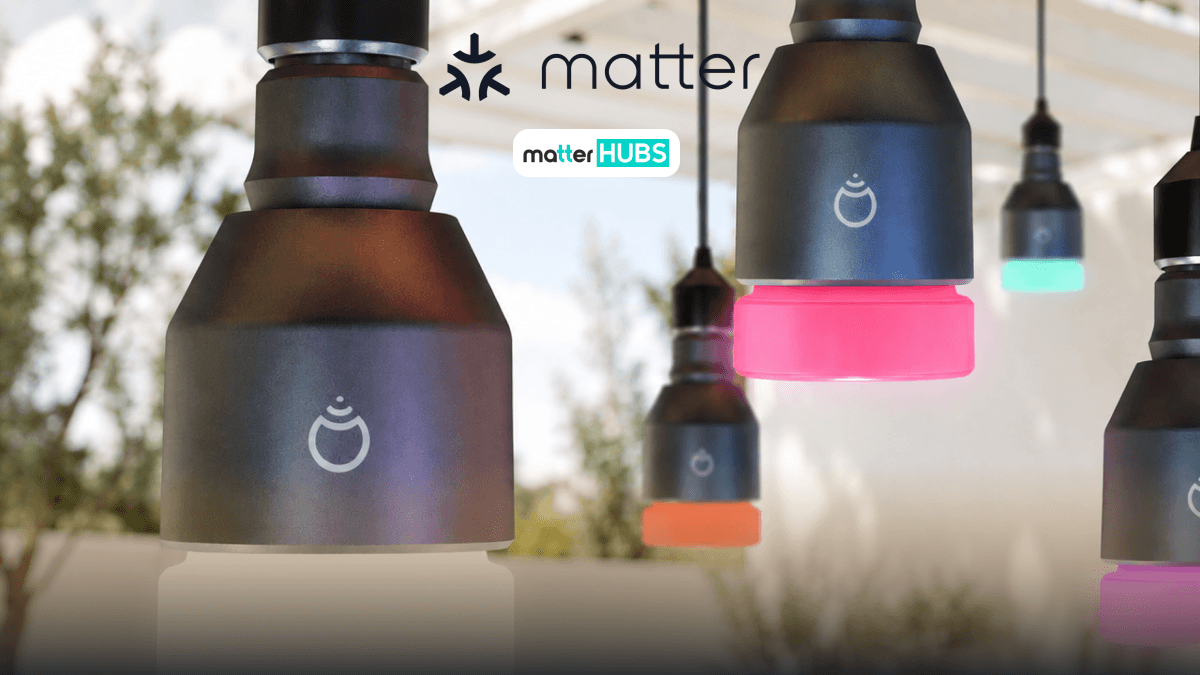
How to Add LIFX Lights to Your Matter Smart Home
5 months ago • 5 min read
The LIFX Matter update has become one of the most talked-about developments in smart lighting, and for good reason. For years, LIFX lights have been known for their stunning colors, high brightness, and premium app experience. But what does that actually mean for your home? Which LIFX lights support Matter? Do older bulbs work? Are there limitations? And is LIFX still worth buying in 2026?
Let's break it down.
Can You Add LIFX Lights to a Matter Smart Home?
The answer is yes, but not every LIFX light supports Matter yet. This is exactly why LIFX Matter has become such a popular topic among smart home users.
LIFX has started rolling out Matter support to selected devices through firmware updates, but compatibility depends on your specific LIFX bulb, LIFX light strip, hardware generation, and software version. Older models may not support Matter immediately, while newer devices are gradually becoming compatible.
How to Add LIFX Lights to Your Matter Smart Home?
Adding LIFX Matter devices to your Matter smart home depends on whether your current LIFX device supports Matter. Some newer LIFX lights are receiving Matter support through firmware updates, while older models may still be waiting for support.
Step 1: Check If Your LIFX Device Supports Matter
Before anything else, you need to confirm whether your LIFX bulb, LIFX light strip, or other LIFX lighting products are Matter-compatible.
How to Check
- Open the LIFX App
- Select your LIFX device
- Go to Device Settings
- Look for firmware information or Matter support details
What to Expect
- Some newer LIFX devices may show Matter-ready firmware
- Older devices may not support Matter yet
- Some devices may require upcoming firmware releases
This is the most important step in any LIFX Matter setup.
Step 2: Update Your LIFX Device Firmware
If your device supports Matter but isn't updated:
- Stay inside the LIFX app
- Tap Firmware Update
- Install the latest software
- Wait for the update to complete
LIFX has been actively releasing firmware updates for LIFX Matter support, so keeping your device updated is essential.
Step 3: Prepare Your Matter Controller
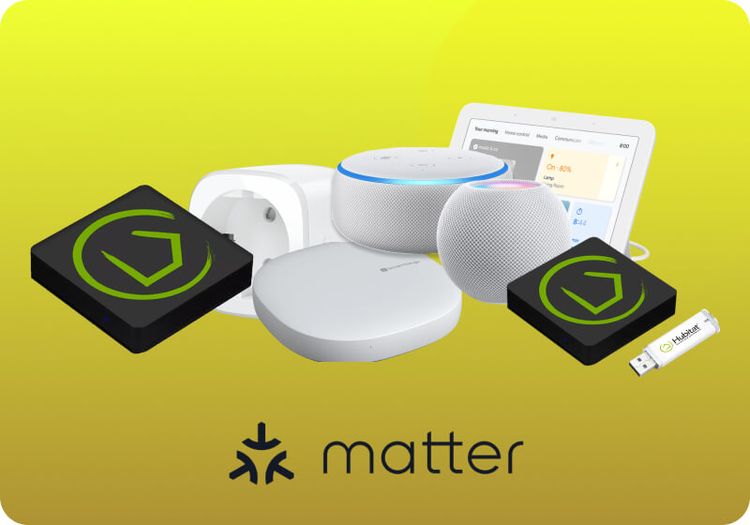
To connect to your LIFX Matter device, your Matter home needs a controller. Popular Matter controllers include:
- Apple HomePod
- Apple TV 4K
- Google Nest Hub
- Amazon Echo
Without a controller, many smart home devices cannot complete Matter pairing.
Step 4: Add Your LIFX Device to Matter
Once your device is ready:
- Open your smart home platform
- Tap Add Device
- Scan the Matter QR code
- Follow the pairing instructions
Once pairing is complete, your LIFX lights should appear inside your smart home ecosystem.
Step 5: What If Your LIFX Device Does Not Support Matter Yet?
If your device is not Matter-compatible yet, you still have options.
- Wait for future LIFX Matter firmware updates
- Upgrade to newer LIFX hardware
- Continue using the device through the native LIFX ecosystem
This is important because not every LIFX bulb or LIFX light strip supports Matter today.
What Are the Best Matter Controllers for LIFX Matter Setup?
Zemismart Matter Smart Home Hub (Recommended)
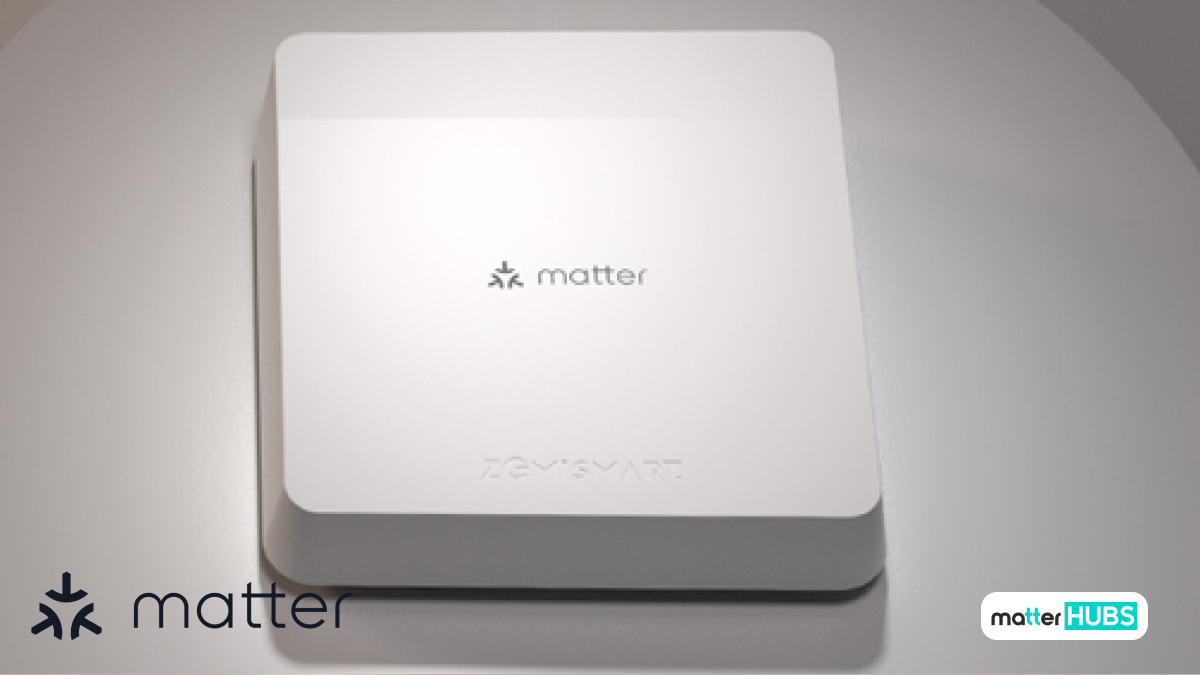
The Zemismart M1 is the best overall controller for LIFX Matter setups because it supports Matter, Thread, Tuya, and Zigbee 3.0 in one hub. It works well for users to build a larger Matter home with multiple smart home devices.
Key Features
- Matter controller + Thread border router
- Supports Zigbee 3.0 devices
- Works with Apple Home, Google Home, Alexa, and SmartThings
- Great for expanding smart lighting setups
Pros
- Best all-around controller for LIFX Matter
- Multi-protocol flexibility
- Easy future expansion
Cons
- More features than some beginners may need
SwitchBot Hub 2
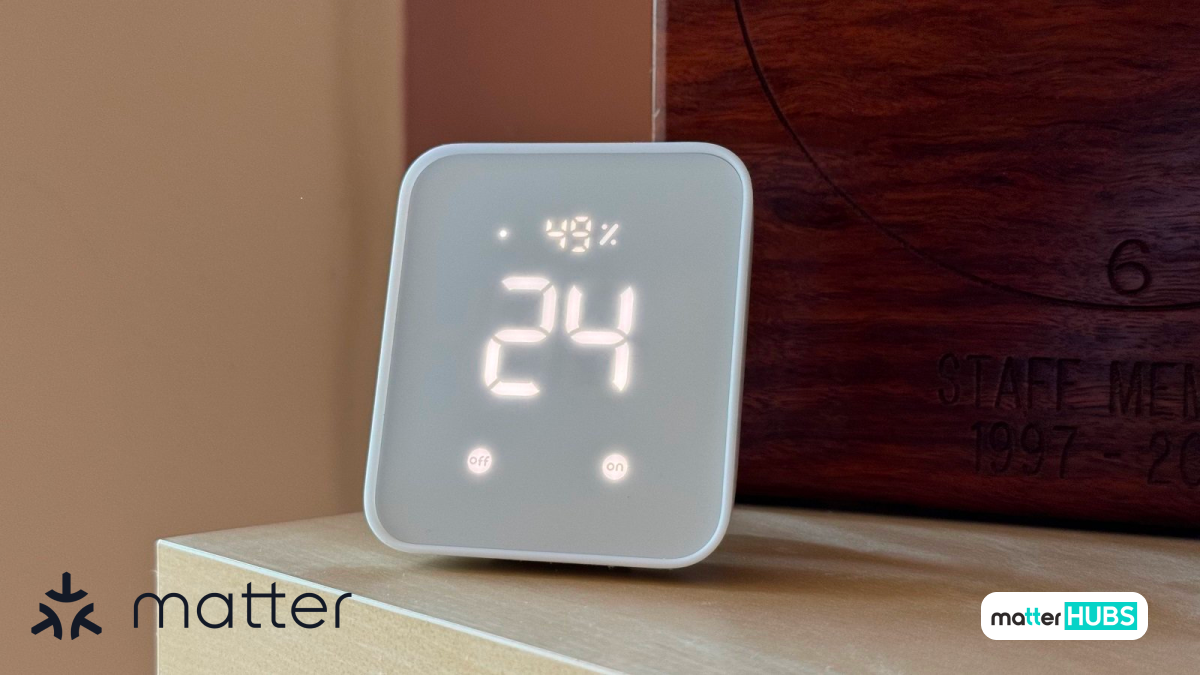
The SwitchBot Hub 2 is a strong option for users who want a simpler Matter setup while still expanding into automation. It supports Matter and works with Apple Home, Alexa, Google Home, and SmartThings.
Key Features
- Matter support
- Built-in temperature and humidity sensors
- IR control support
- Great for smaller smart homes
Pros
- Beginner-friendly
- Compact design
- Easy app setup
Cons
- Best if you also use SwitchBot devices
What Are the Key Features of LIFX Lights?
- High Brightness
- Many LIFX bulbs are noticeably brighter than competing smart bulbs. This makes them ideal for living rooms, home offices, gaming rooms, and content creator setups.
- Rich Color Accuracy
- LIFX lights are known for producing deeper reds, better blues, more vibrant greens, and more natural warm whites. This makes LIFX popular among users who care about mood lighting.
- No Dedicated Hub Required
- Most LIFX lights connect directly to Wi-Fi, meaning fewer devices to manage, easier installation, and lower setup complexity. Now with LIFX Matter, that experience is getting even better.
What Can You Do After LIFX Matter Setup?
01. Create Smart Lighting Scenes
Once your LIFX Matter devices are connected, you can create personalized smart lighting scenes that match different parts of your day. For example, a Movie Night scene can automatically dim your LIFX lights to around 20% brightness while switching to warm orange tones for a cozy cinema-like atmosphere.
02. Build Smart Home Automations
This is where LIFX Matter becomes even more powerful inside a Matter home. You can connect your LIFX lights with other smart home devices to create automations that run without manual control. For example, your hallway lights can automatically turn on when motion is detected at night.
What Are the Limitations of LIFX Matter?
- Not every older bulb supports Matter
- Some devices need firmware updates
- Some advanced effects still work best in the native LIFX app
- Wi-Fi congestion can affect performance
Still, LIFX remains one of the strongest premium smart lighting brands.
How Do You Troubleshoot LIFX Matter Connection Issues?
- Check Device Compatibility
- Not every LIFX bulb or LIFX light strip supports Matter yet. Open the LIFX App and confirm your device supports LIFX Matter.
- Update Firmware
- Outdated firmware is one of the most common causes of connection issues. Make sure your LIFX lights are running the latest software.
- Restart Your Matter Controller
- Restart your Matter controller such as Apple HomePod or Google Nest Hub, then try pairing again.
- Check Wi-Fi Connection
- LIFX devices depend on a stable Wi-Fi connection. If your smart lights appear offline or fail to pair, reconnect your network and try again.
- Reset and Reconnect
- If nothing works, reset your LIFX device and start the Matter setup process again from the beginning.
Are LIFX Smart Lights Worth Buying?
Honestly? For many users, yes.
Choose LIFX If You Want,
- Premium brightness
- Best-in-class colors
- Matter support
- No dedicated hub
- Future-proof smart home devices
Look Elsewhere If You Want,
- Budget pricing
- Simple white bulbs only
Final Thoughts
LIFX Matter is more than a firmware update. It's a major shift for premium smart lighting. For years, LIFX lights were already some of the best smart lights available. Now with Matter support, they are becoming even more relevant for modern smart homes. Whether you're using a LIFX bulb, a LIFX light strip, or building a larger Matter home, LIFX is becoming one of the most exciting smart home devices to watch.
FAQs
No. Only supported hardware models with updated firmware support LIFX Matter.
No. Most LIFX lights connect directly using Wi-Fi.
Yes. Supported LIFX Matter devices can work with Apple Home.
LIFX is often preferred for brightness, color quality, and premium smart lighting features.