SmartWings Matter Shades Review
4 months ago • 5 min read
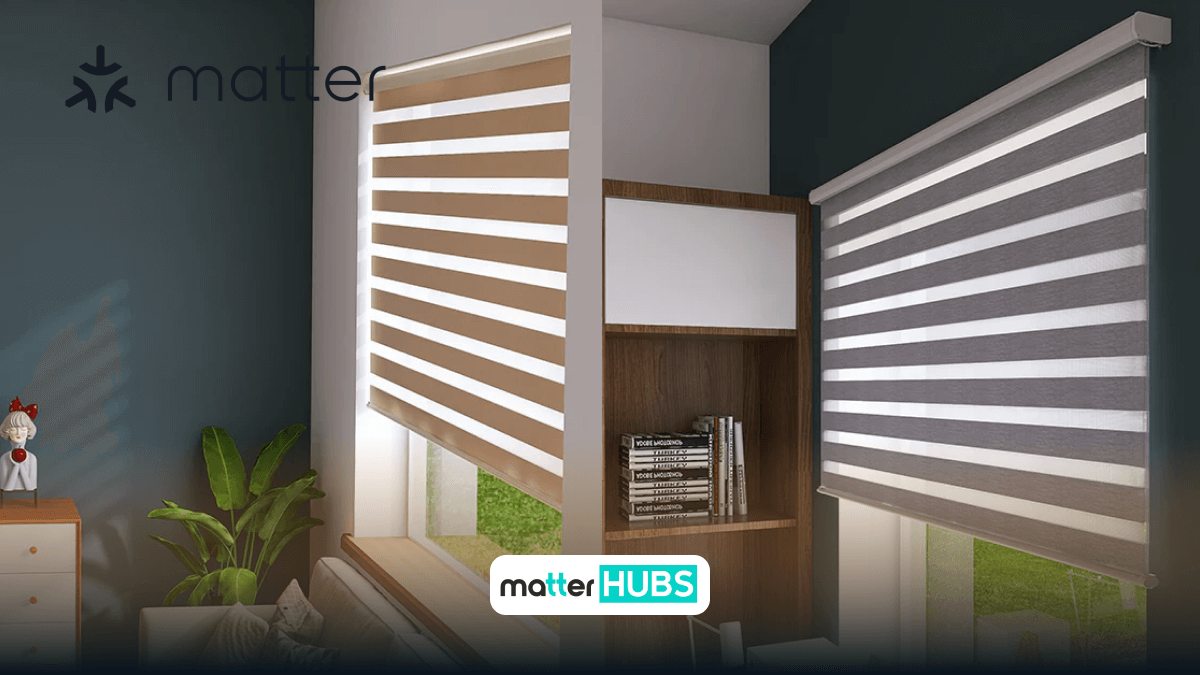
SmartWings shades once again became a user favorite by being supported by the Matter protocol. In this article, I focus on providing you with a comprehensive review of Matter SmartWings shades. Going through this article will ensure that you get the wise selection to raise your smart home.
What Are SmartWings Matter Shades?
SmartWings Matter shades are motorized window coverings that support Matter over Thread, allowing them to integrate seamlessly with major smart home ecosystems like:
- Apple Home
- Google Home
- Amazon Alexa
- Samsung SmartThings
Unlike older smart blinds that depend heavily on proprietary apps or cloud connections, SmartWings Matter shades enable local control, faster response times, and cross-platform compatibility.
What are the Types of SmartWings Shades Available?
SmartWings offers a wide variety of shade types to match different interior styles:
- SmartWings Roller Shades
- SmartWings Cellular Shades
- SmartWings Zebra Shades
- SmartWings Dual Shades
- SmartWings Woven Wood Shades
- SmartWings Outdoor Shades
All of these can be configured with Matter-compatible motors, making them suitable for modern smart homes.
What are the Key Features of SmartWings Matter Shades?
1. Automated Smart Control
SmartWings shades support full automation, allowing you to control them using:
- Mobile apps
- Voice assistants
- Smart home routines
You can open or close shades instantly or schedule them based on time, sunlight, or presence.
2. Matter Integration (Major Upgrade)
The biggest advantage is Matter support, which allows:
- Control from multiple ecosystems simultaneously
- No vendor lock-in
- Unified smart home experience
This means you can control the same shades using Apple Home and Google Home at the same time, thanks to Matter’s multi-admin feature.
Read about the Best Matter Devices in 2025.
How SmartWings use Thread Connectivity for Better Performance?
Most SmartWings Matter shades use Thread, which provides:
- Faster response times
- Local communication (no cloud delays)
- Better reliability
However, this requires a Thread border router such as:
- Apple HomePod Mini
- Apple TV 4K
- Google Nest Hub (2nd Gen)
What are the Core Benefits of SmartWings Matter Shades?
1. Customization Options
SmartWings offers extensive customization:
- Fabric types and textures
- Colors and finishes
- Motor types
- Accessories
This allows you to match your smart shades with your home interior design.
2. Energy Efficiency
Smart blinds can significantly reduce energy consumption by:
- Blocking heat during the day
- Retaining warmth during colder periods
With automation, shades can adjust automatically based on sunlight.
3. Privacy and Security
Motorized shades improve privacy by allowing:
- Scheduled closing at night
- Remote control while away
This adds an extra layer of smart home security.
Since SmartWings shades work within the Matter ecosystem, it's also useful to explore the Best EveHome Matter Products for comparison.
How is my Personal Experience with SmartWings Woven Wood Shades?
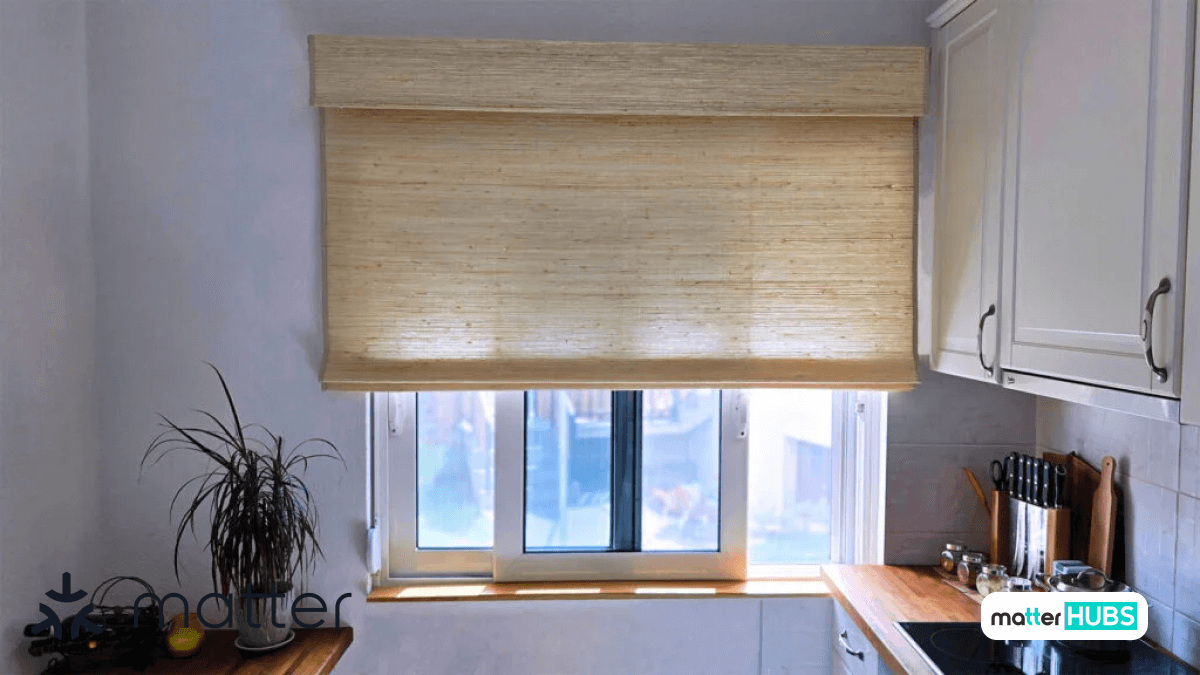
A few months ago, I installed SmartWings Woven Wood Shades, and the experience was largely positive.
- Choosing the Right Configuration
- Installation Process
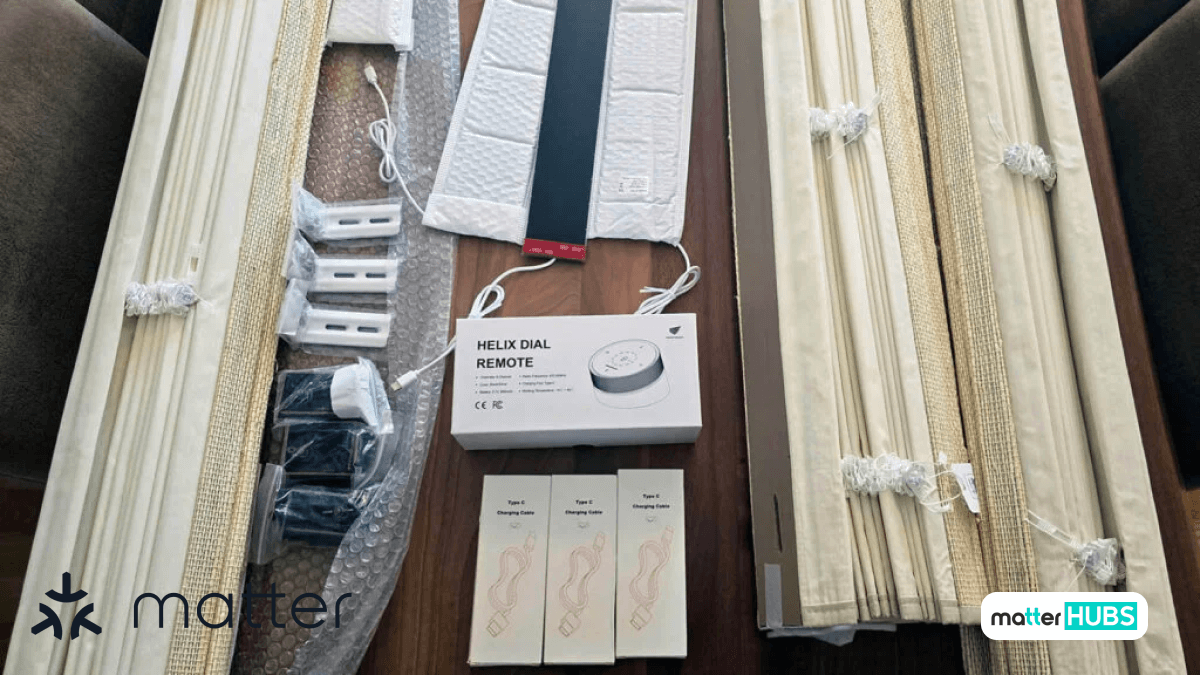
- Motor and Charging
- Remote Pairing Process
- Adjusting Limits
- Before purchase, I had to select measurements, fabric design, motor type (Matter over Thread recommended), and accessories like a solar panel or remote. Thread-based motors are highly recommended over Wi-Fi for better long-term performance.
- Installation is straightforward but not a one-person job. Required tools include a measuring tape, drill, level, and assistance from another person. Once installed, the shades look premium and blend well with modern interiors.
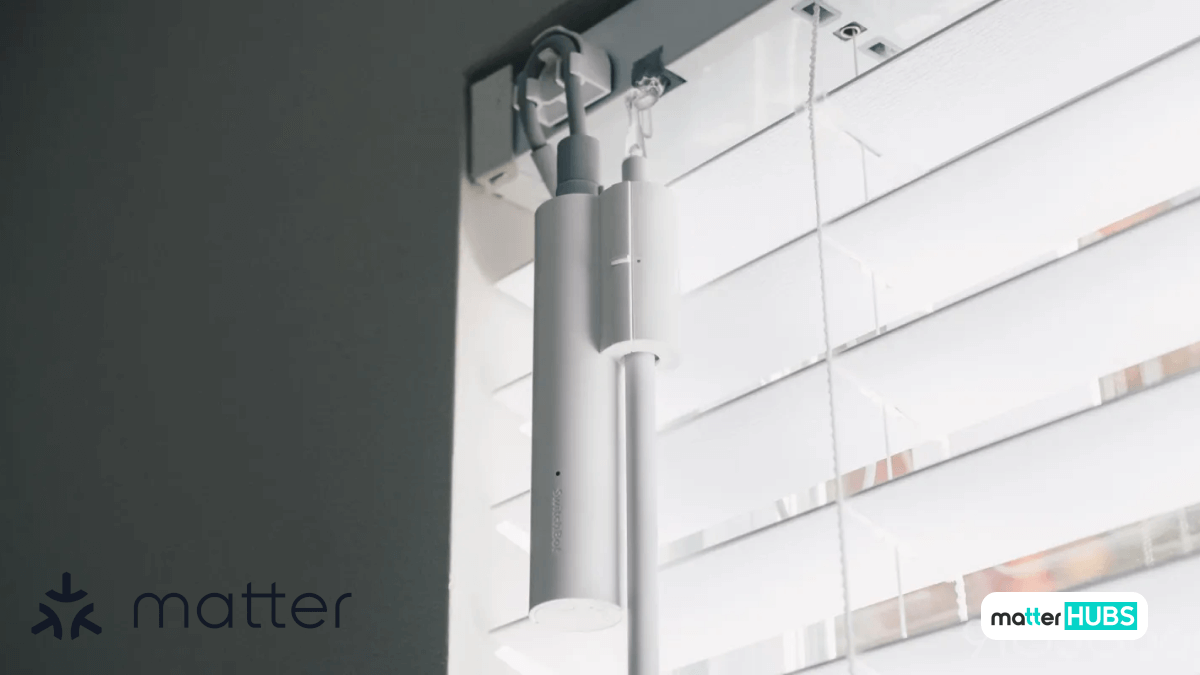
- USB-C charging makes it convenient. A solar panel add-on is highly recommended as it keeps the shades continuously powered without manual charging.
- To manually pair the remote, select a channel, hold the pairing button until the motor jogs, then press STOP within 10 seconds. The motor jog confirms pairing.
- SmartWings shades come pre-calibrated, but limits can be adjusted by holding UP + STOP, adjusting the position, and saving the settings.
What are the Advantages and Disadvantages of Matter SmartWings Shades?
Reasons to Buy
- Easy to use
- Energy effectiveness
- Ability to personalize based on your preference
- Can be integrated with any smart home network
- Privacy and protection are at an improved level
- Ability to access remotely
Reasons to Avoid
- Cost is initially high
- The installation process is complex
- depended on power
- There are limitations to the compatibility
- It may require periodical maintenance
If you are interested in reading about Best Thread Hubs in 2025 and the best IoT devices in 2025.
Alternative Smart Curtain Shades
SwitchBot Smart Blind Tilt
- Simple Installation: With only a little installation, SwitchBot Blind Tilt immediately makes your blinds smarter.
- Schedule and Automations - Set schedules and automate your blinds to open/close based on time or sunlight.
- Matter Compatibility - Works with Matter-enabled platforms like Alexa, Google Home and Apple HomeKit.
- App Control - Remotely control your blinds using the SwitchBot app for iOS and Android.
Read about the Best Matter Devices in 2025.
Conclusion
SmartWings Matter shades are one of the best examples of how Matter is transforming smart homes. With support for multiple ecosystems, local control via Thread, and strong build quality, they offer a powerful and flexible solution for modern homes.
If you're serious about building a Matter-ready smart home, SmartWings shades are a strong and reliable choice.
FAQs
Absolutely! You can manage SmartWings Shades remotely over its companion mobile application if you have a stable internet connection
Certainly! Those shades can merge with any smart home network and Matter. It ensures compatibility with a large area of smart devices.
In the installation process, you need to set up the shades and pair them with the allocated hub or controller. You can find the instructions in the user manual given.
First charge is about 6 hours; subsequent charges should also take around 6 hours to fully charge.
- Select the current channel first then pairing to the motor.
- After holding the P button on the motor head until the motor jogs once, press and hold the STOP button on your remote within 2 seconds.