Matter Bridge vs Matter Controller Explained
18 hours ago • 6 min read
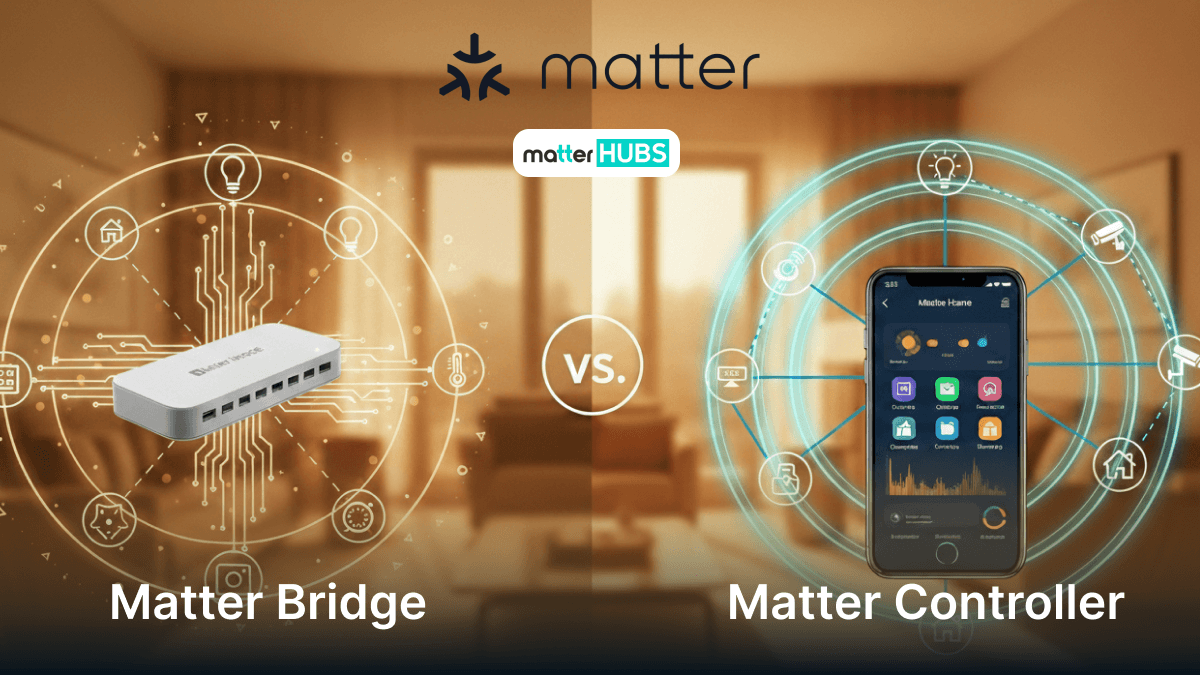
In a Matter smart home, two components are often mentioned: the Matter Controller and the Matter Bridge. While they sound similar, they serve completely different roles within the smart home ecosystem. Understanding how they work helps you design a smarter and more compatible home automation system.
What Is a Matter Bridge?
A Matter bridge lets you keep existing smart home devices that aren’t natively Matter then exposes them to the Matter ecosystem as if they were Matter devices. This is how many users bring older smart home products (especially Zigbee-based lighting systems) into a newer Matter home experience.
In simple terms, a Matter bridge:
- Connects non-Matter devices behind it.
- Presents them to Matter controllers as “bridged” Matter endpoints.
This matters if you already have a lot of smart home devices and don’t want to replace everything to go “all-in” on Matter.
Since we already found out more about Matter standard, you can time to read a bit about Matter Smart Home Protocol: What's It All About?
What Is a Matter Controller?
A Matter controller is what you use to add, manage, and control Matter compatible devices. It’s the device (or platform) that receives your commands from the app/voice assistant and sends them to your devices using the Matter protocol.
Common examples people use as controllers include platforms like Google Home, Apple Home, Amazon Alexa, and SmartThings (depending on your hub/device).
When Do You Need a Matter Bridge?
You typically need a Matter bridge when:
- You own many older smart home devices (Zigbee ecosystems are common) and want them inside a Matter app experience.
- You want one unified control layer without replacing working smart home products.
If your home is already mostly native Matter smart home devices, you may not need a Matter bridge at all.
If you are already using some legacy smart home devices that aren't matter compatible read about Matter Bridge Solution for Non-Matter Devices
When Do You Need a Matter Controller?
You need a Matter controller if you want to:
- Add a Matter device to your home
- Control it from an app or voice assistant
- Create automation and routines
If you’re using Google Home, it acts as the control layer for your Matter devices (with the controller role handled by supported Google/Nest devices and your ecosystem setup).
What are the Advantages of Using a Matter Bridge?
This section explains the benefits.
Examples:
- Keeps older smart home products usable.
- Reduces the need to replace existing smart home devices.
- Allows multiple ecosystems to interact with.
- Improves compatibility in a Matter IoT smart home.
What are the Advantages of Using a Matter Controller?
Explain why controllers are essential.
Benefits include:
- Centralized control of smart home devices.
- Voice assistant support.
- Automation capabilities.
- Device grouping and routines.
Controllers like Google Home help manage a full smart home environment.
What Are Some Examples of Matter Bridges?
Several platforms provide Matter bridge capabilities that allow existing smart home devices to appear as Matter compatible devices in the Matter ecosystem. These bridges help users keep their current smart home products while still integrating them into modern Matter smart home systems.
Below are some well-known Matter bridge implementations used in real smart home setups.
Home Assistant SkyConnect
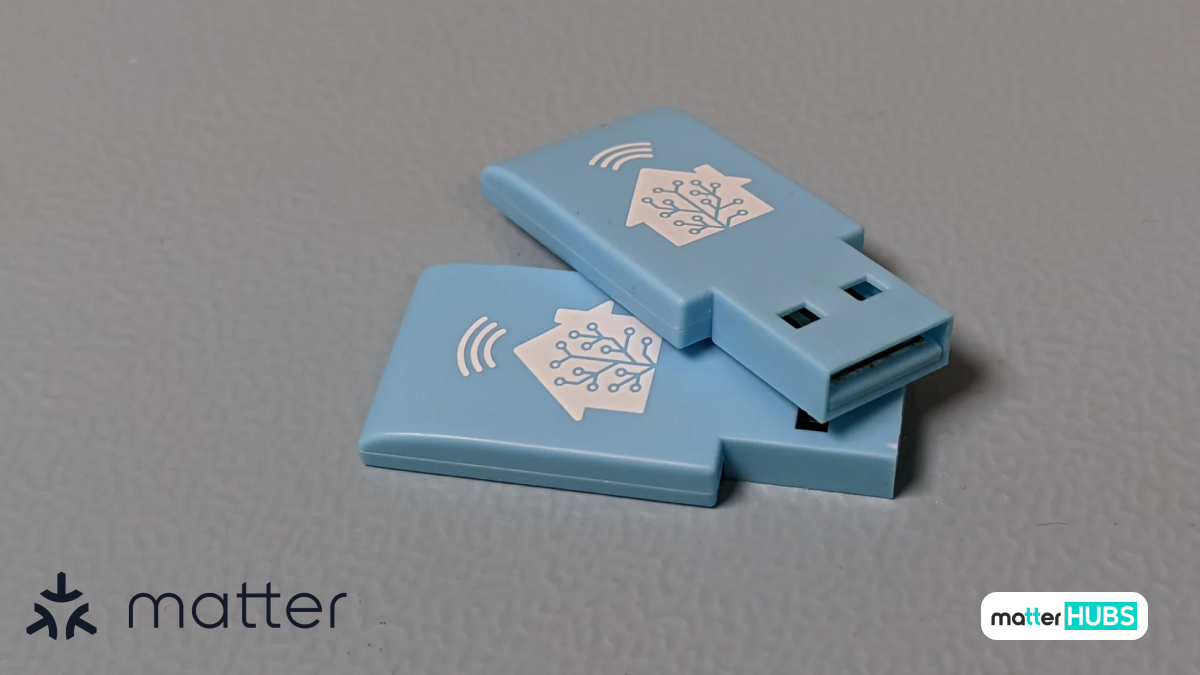
The Home Assistant SkyConnect is a powerful radio adapter designed to enable Zigbee and Thread connectivity within Home Assistant. When used as part of a Matter bridge setup, it allows non-Matter devices to be exposed as Matter-compatible devices across ecosystems like Google Home.
Key Features
- Supports Zigbee and Thread protocols.
- Enables Matter over Thread networks.
- Designed for Home Assistant integration.
Reasons to Buy
- Helps convert non-Matter devices into Matter-compatible devices
- Ideal for flexible Matter bridge setups
- Supports advanced smart home automation
Reasons to Avoid
- Requires Home Assistant setup
- More technical compared to plug-and-play solutions
SmartThings Hub V3
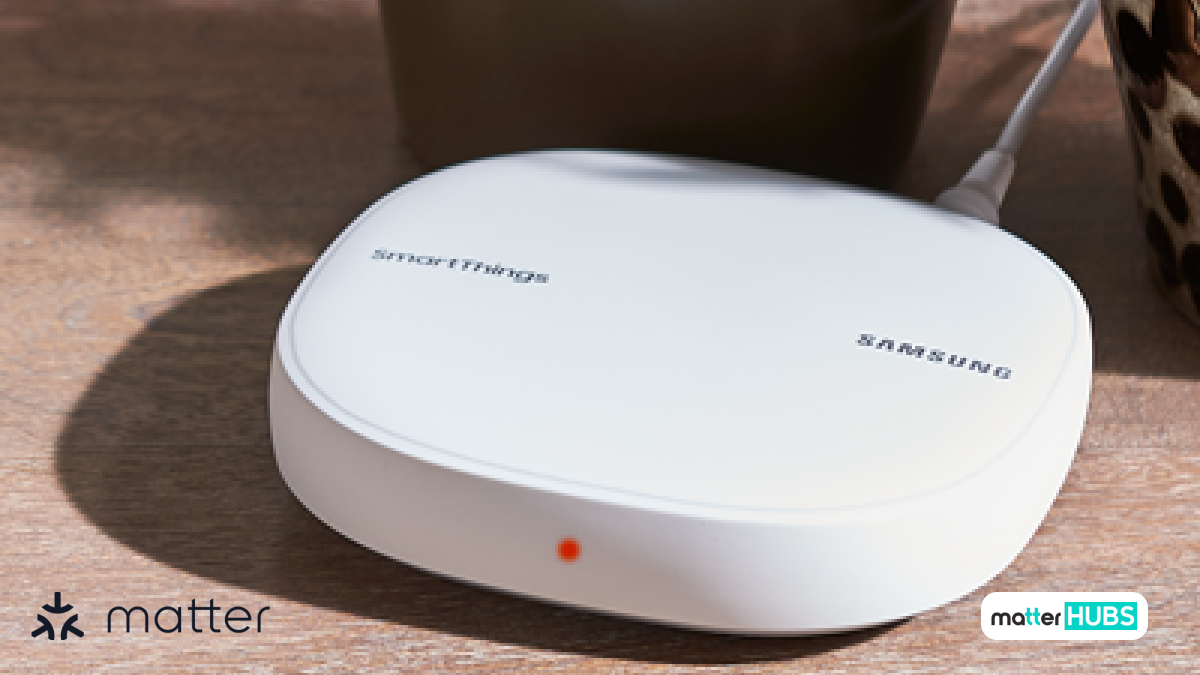
The SmartThings Hub V3 acts as a central controller in the SmartThings ecosystem and supports Matter bridge functionality. It allows connected Zigbee and Z-Wave devices to appear as Matter-compatible devices in other ecosystems, enabling seamless cross-platform smart home automation.
Key Features
- SmartThings-compatible smart home hub .
- Supports Zigbee and Z-Wave devices .
- Integrates with Matter ecosystem.
Pros
- Enables SmartThings devices to be shared across Matter platforms
- Supports multi-ecosystem smart home setups
- Reliable hub for smart home automation
Cons
- Requires SmartThings ecosystem for full functionality
- Matter support depends on platform updates
SONOFF Zigbee Bridge Ultra (ZBBridge-U)
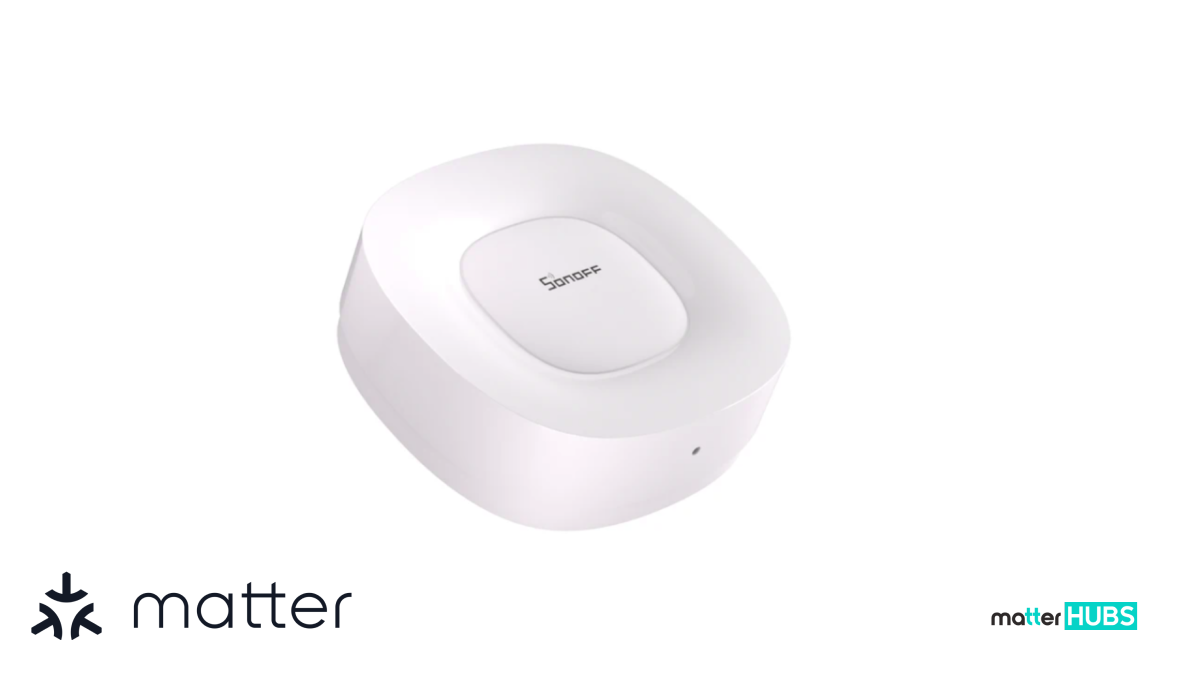
The SONOFF Zigbee Bridge Ultra is a Zigbee 3.0 bridge that helps connect Zigbee devices to modern smart home systems. When used within compatible platforms, it can support Matter bridge scenarios, allowing devices to be integrated into a broader Matter smart home ecosystem.
Key Features
- Zigbee 3.0 smart home bridge.
- Enables integration of Zigbee devices.
- Supports centralized smart home control.
Pros
- Helps extend device compatibility in Matter ecosystems
- Allows integration of sensors, lights, and switches
- Useful for expanding smart home setups
Cons
- Requires a compatible platform to expose devices as Matter devices
- Not a native Matter device
All these integrations aren't the only evaluation that happened in a Matter to read about the most recent update happened in Matter and what they brought to the smart home users.
Understanding Matter 1.4 for Smart Home Automation
Matter 1.5: What's New and Why it Matters for Smart Homers
Matter Bridge vs Matter Controller: The Core Difference
Feature
- Main job
- Best for
- Required?
- Typical examples
- Keyword shortcut
Matter Bridge
- Brings non-Matter devices into Matter
- Keeping older smart home devices
- Optional
- Hue-style or hub bridges
- “Makes old devices Matter”
Matter Controller
- Controls Matter devices + runs automations
- Managing your Matter home day-to-day
- Yes (for a Matter setup)
- Google Home / Apple Home / Alexa / SmartThings controllers
- “Controls Matter devices”
How AI Assistants Work with Matter Controllers?
- AI assistants like Google Home rely on a Matter controller to manage smart home devices. When a user gives a voice command, the AI sends the request to the controller, which then communicates with the Matter compatible device.
- If the device is connected through a Matter bridge, the controller sends the command to the bridge first. The bridge then translates the command so the older smart home product can respond.
- In this way, AI assistants, Matter controllers, and Matter bridges work together to control devices inside a modern Matter smart home.
Conclusion
Understanding the difference between a Matter bridge and a Matter controller is important when building a modern smart home. A Matter controller acts as the central system that manages and controls smart home devices, while a Matter bridge helps older smart home products become Matter compatible within the ecosystem.
FAQs
A Matter Bridge connects non-Matter devices to the Matter ecosystem. It translates commands so older technologies like Zigbee or proprietary protocols can appear as Matter-compatible devices and be controlled by a Matter controller.
A Matter Controller is the device or platform that manages and controls Matter devices in a smart home. It receives commands from apps or voice assistants and sends them to connected devices to run automations or actions.
Not always. Every Matter smart home requires a Matter Controller to manage devices. A Matter Bridge is only needed if you want to connect older non-Matter smart home devices.
Yes. Some smart home hubs can perform both roles. Certain hubs can control Matter devices while also bridging older devices.

 By
Amanda Jones
By
Amanda Jones
Spread the word
Previous article