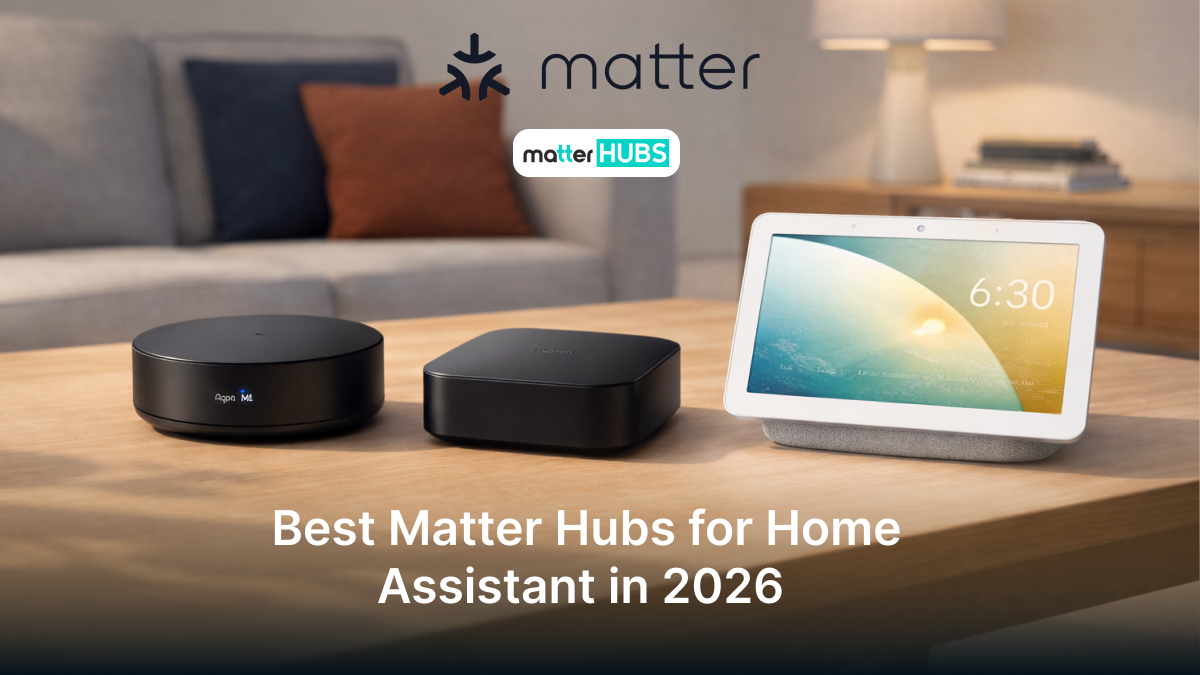
Best Matter Hubs for Home Assistant in 2026
2 months ago • 8 min read
From the very beginning Matter Home assistant integration was a game changer. But without the right Matter smart hub you haven't unlocked the full protentional of it your smart home ecosystem yet. The right Matter hub is going to give you seamless interoperability across platforms. In this article I will break down 5 best matter home assistant hubs, so you can pick the right controller for your smart home.
Home Assistant Green
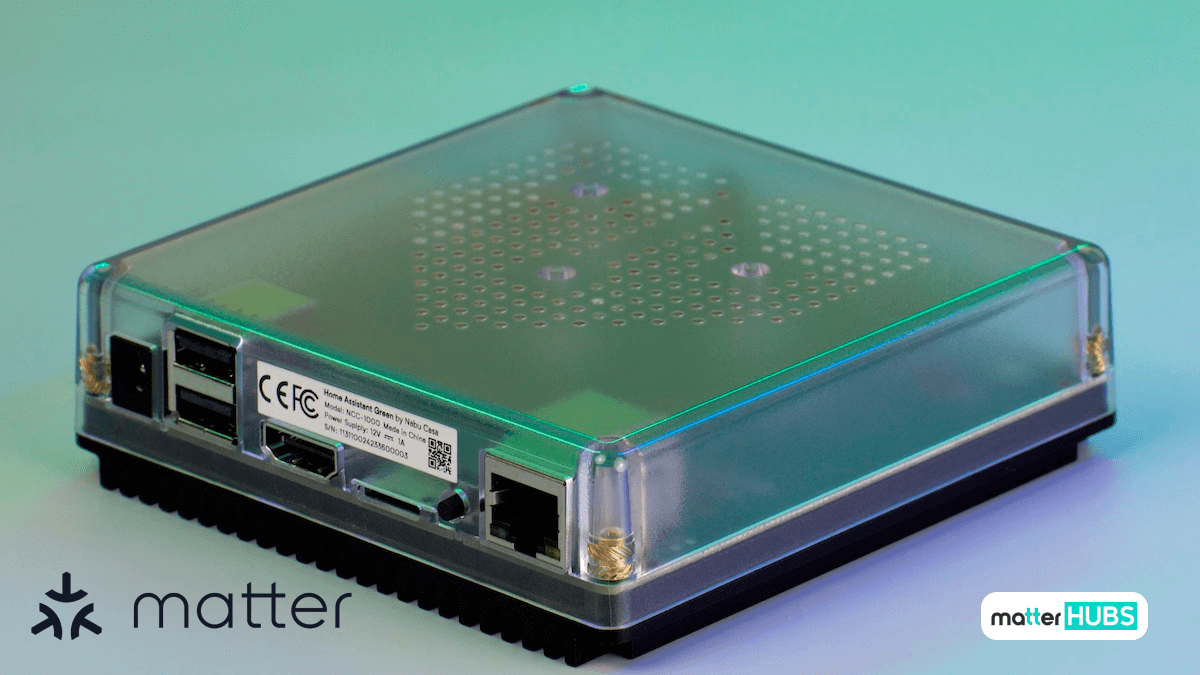
I wouldn’t introduce Home Assistant Green as just another smart hub because it is the official built-in purpose controller powered by Home Assistant’s open-source platform. With all this support it makes a great Matter Home Assistant smart home hub.
The features what sets home assistant green apart is the full control it gives you right from your network. Whether you are upgrading your home automation or entirely building it, Home Assistant Green makes the process easy. Its compact design is surprisingly hiding some powerful performances.
Key Features of Home Assistant Green
- Pre-installed Home Assistant OS
- Local Control & Privacy
- Powerful Enough for Most Setups
- Extensive Device Support
- Expandable via USB
- Gigabit Ethernet
- Regular Updates
Plug-and-play smart home hub just needs to connect power and Ethernet to get started.
Keep all your smart home data stored locally by default perfect for a Matter Home Assistant setup.
Quad-core ARM processor (1.8 GHz), 4 GB RAM, and 32 GB of onboard storage.
Works with thousands of devices and integrates existing ecosystems like Apple HomeKit, Google Home, SmartThings, Alexa, and more via integrations for Matter Home Assistant.
Add Zigbee, Z-Wave, Thread, or Matter radios (e.g., Home Assistant Connect/ZBT-1) to support more wireless devices.
Reliable wired network connectivity for faster, stable automation.
Benefits from the large open-source Home Assistant community with monthly improvements.
Pros and Cons
Reasons to Buy
- Built specifically for Home Assistant users.
- Supports Matter with expandable hardware.
- Local control with strong privacy focus.
- Simple plug-and-play setup.
Reasons to Avoid
- Requires add-ons for wireless protocols.
- Designed mainly for Home Assistant setups
Aqara Hub M2
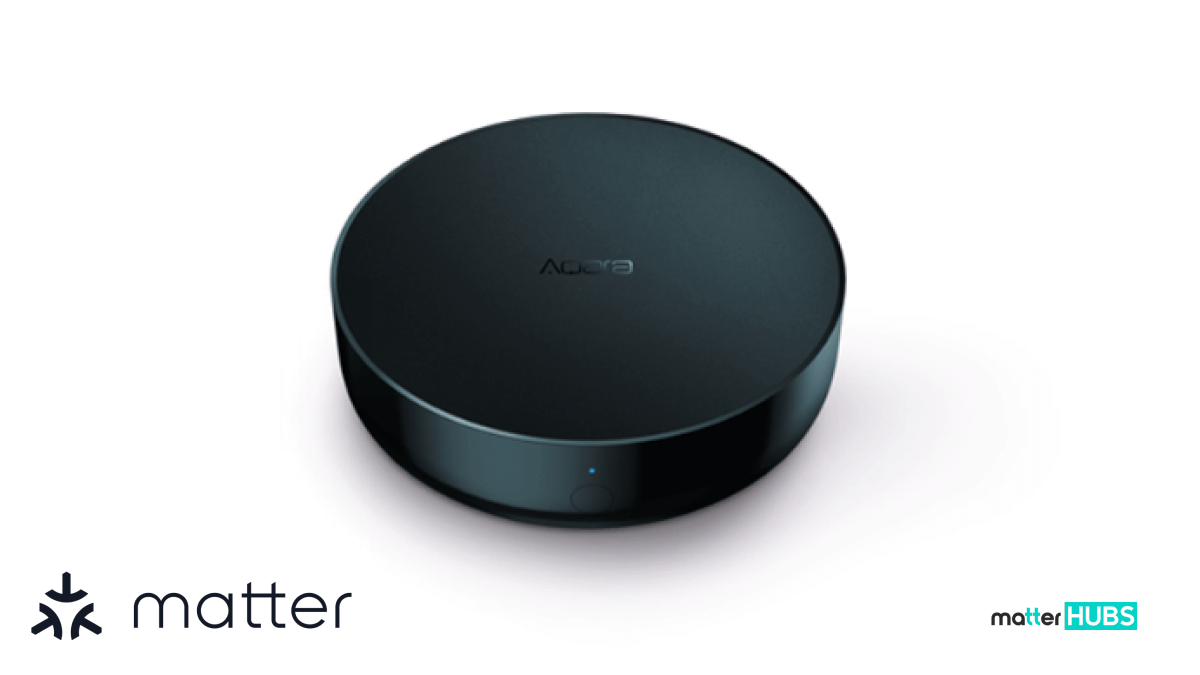
Aqara has been slowly rolling out Matter Home Assistant compatibility emulating from not just being an entry level smart hub. Aqara M2 includes wired Ethernet connectivity, ensuring stable performance and lower latency. An advantage for automation running alongside Home Assistant.
All this makes M2 a solid choice for Home Assistant users who already rely on Aqara sensors and switches and want to bring them into a Matter home assistant enabled smart home.
Learn about Matter 1.4 for better understanding about the Matter Protocol!
Key Features of Aqara Hub M2
- Zigbee 3.0 support for Aqara devices
- Ethernet port for stable connectivity
- 360° IR control
- Built-in speaker for alerts
- Matter bridge support
Connect sensors, switches, and accessories for Home Assistant automation.
Ensures reliable operation when integrated with Home Assistant.
Extend automation to TVs, ACs, and other IR devices.
Triggers audible notifications in your Home Assistant automation.
Allows Aqara devices to appear in Matter ecosystems alongside Home Assistant.
Pros and Cons
Reasons to Buy
- Works seamlessly with Aqara Zigbee devices.
- Stable Ethernet connection for reliability.
- Includes IR control for TVs and ACs.
- Matter bridge support improves compatibility.
Reasons to Avoid
- Best suited for Aqara-based smart homes.
- Limited advanced Matter control.
Also, if you want to read about How to Add Matter Devices to Home Assistant, you are just one click away from getting the reading a complete guide.
Aqara Hub M3
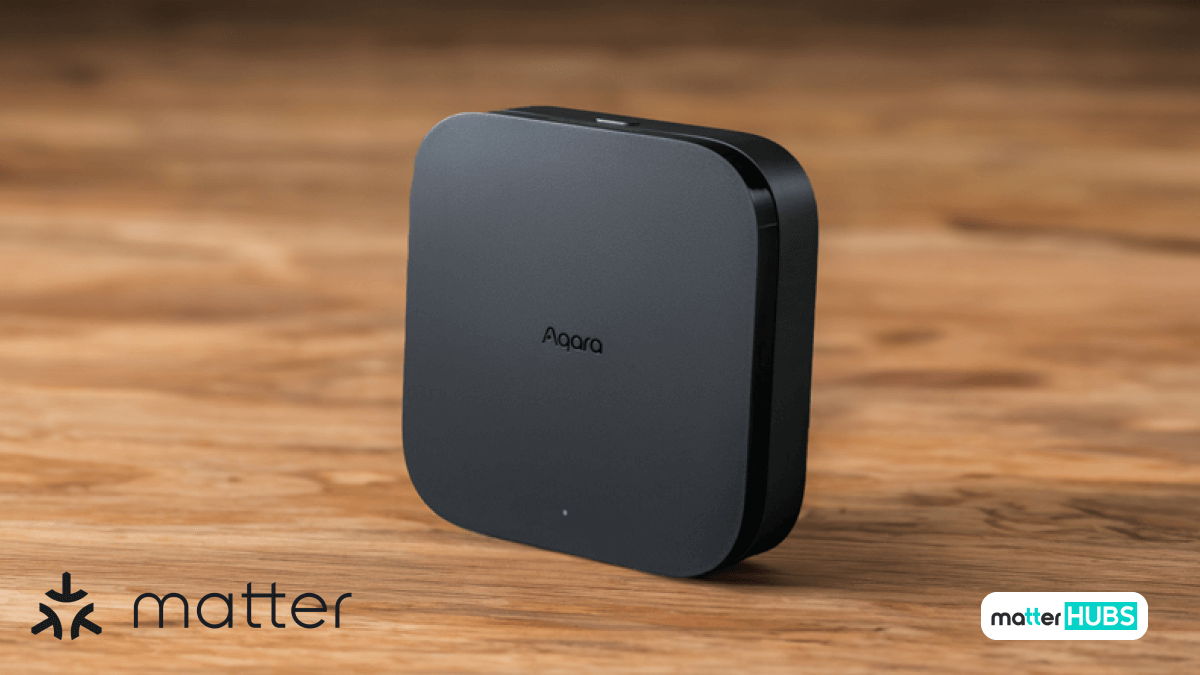
The Aqara Hub M3 is a next-generation smart hub designed for the modern connected home. With built-in Matter support and Thread connectivity, it ensures seamless compatibility with a wide range of smart devices including Home Assistant.
Its square design matches the modern aesthetic, and it also boasts improved hardware capabilities. This enhanced hardware includes faster processors and expands RAM. The M3 is a smart hub that allows you to operate smoother and more complex automatons while maintaining network stability for Matter Home Assistant setups.
If you like to read further about Aqara hub M3 you can read the article Matter Supported Aqara Hub M3
Key Features of Aqara Hub M3
- Multi-protocol support
- Dual connectivity
- Local automation engine
- Privacy-focused local storage
- 360° IR blaster
- Broad device compatibility
Zigbee, Thread, Wi-Fi, Bluetooth, plus Matter bridging.
Wi-Fi + Ethernet/USB-C for robust Matter Home Assistant integration.
Run automations directly without cloud dependency.
Ensures Home Assistant data remains secure.
Integrate traditional devices into Home Assistant routines.
Connect Thread/Zigbee/Matter devices alongside Home Assistant.
Pros and Cons
Reasons to Buy
- Built-in Matter and Thread support.
- Handles multiple smart home protocols.
- Improved performance for complex automations.
- Future-ready design for growing smart homes.
Reasons to Avoid
- Higher price than entry-level hubs.
- Advanced features depend on device support.
SmartThings Hub v3
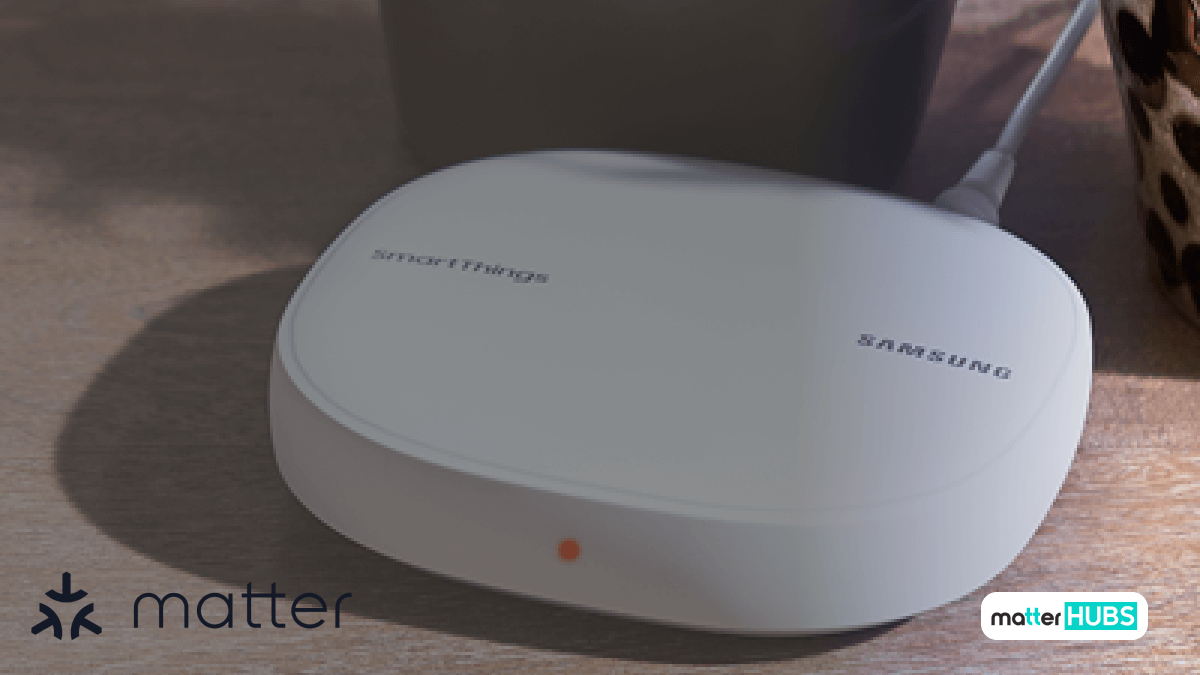
The best way to introduce SmartThings Hub V3 would be as a central command center. The border compatibility if delivers makes V3 a strong player among the Matter Home Assistant smart home hubs. Ecosystems SmartThings Hub V3 compatible with includes Home Assistant, Apple HomeKit, Amazon Alexa and Google Home.
With v3, you would not be limited to one brand. You will receive the best support when creating complex home automations in your smart home using schedules, sensor triggers, voice assistants, and scene routines. I think SmartThings Hub v3 is a strong choice if you need wide device support, Matter compatibility, and ecosystem flexibility.
Key Features of SmartThings Hub V3
- Multi-protocol support
- Works with Home Assistant via integration
- Flexible automations and scenes
- Platform compatibility
- Extensive third-party device support.
Zigbee, Z-Wave, and Matter devices all in one hub for Home Assistant setups.
Manage mixed-device ecosystems.
Triggers, schedules, and sensor-based actions feed into Home Assistant.
Apple HomeKit, Google Home, Alexa, and more.
Ideal for large Home Assistant ecosystems.
Pros and Cons
Reasons to Buy
- Supports Zigbee, Z-Wave, and Matter devices.
- Wide compatibility across smart brands.
- Flexible automations and scenes.
- Integrates well with Home Assistant.
Reasons to Avoid
- Some features rely on cloud services.
- Setup can feel complex for beginners.
Check out the 10 Best Matter Supported Smart Hubs!
Google Nest Hub (2nd Gen)
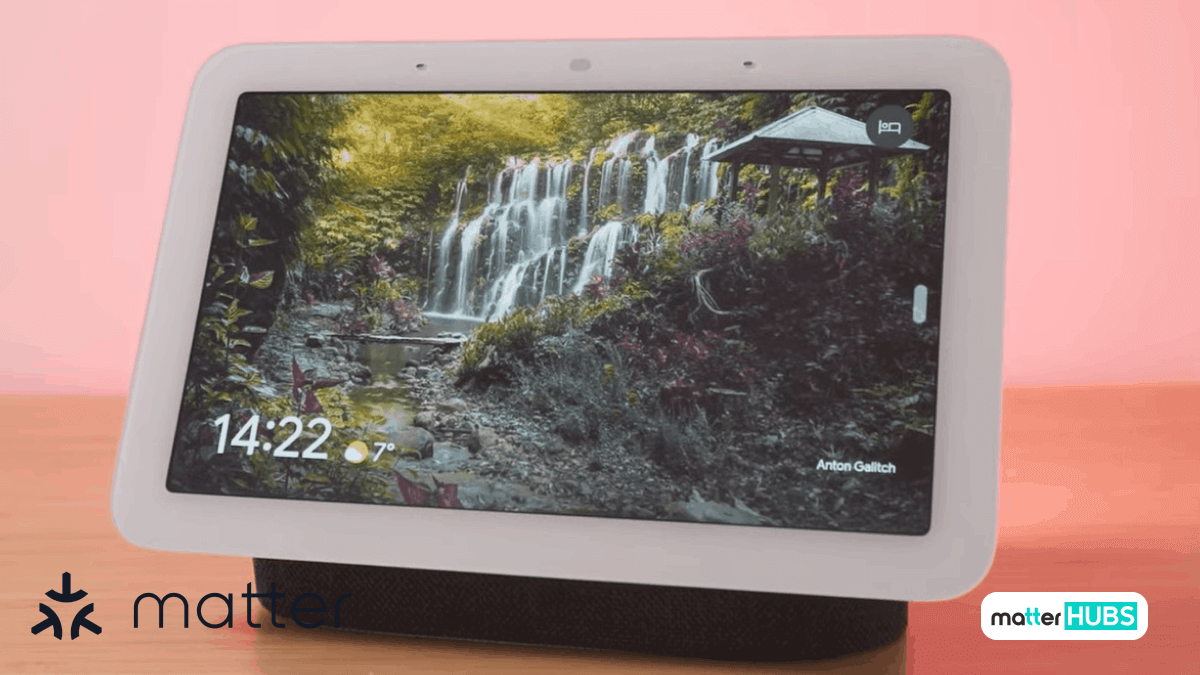
In a home assistant environment, Google Nest Hub plays an important role in Matter-based setups by handling Matter device commissioning. As a Home Assistant user, if you are looking forward to Google Assistant voice control, a smart display, and Matter support, this is a strong choice you can make.
You can do all this while keeping Home Assistant as the main automation brain is another plus point. This might be your call to make hybrid Matter Home Assistant setup without complex and advanced logic.
Key Features of Google Nest Hub (2nd Gen)
- Matter Controller & Thread border router
- Visual dashboard for device control
- Voice control via Google Assistant
- Local Matter support
- Thread network support
Helps bring Matter devices into Home Assistant.
Integrates with Home Assistant for monitoring and manual control.
Works alongside Home Assistant automation.
Ensure faster and more reliable device actions.
Strengthens Matter mesh for Home Assistant smart homes.
Pros and Cons
Reasons to Buy
- Acts as a Matter controller and Thread router.
- Built-in display and voice control.
- Easy Matter device setup.
- Works well alongside Home Assistant.
Reasons to Avoid
- Limited advanced automation features.
- Best suited for Google Assistant users.
Best IKEA Matter Devices and Integration Guides
Learn best IKEA Matter devices and learn how the DIRIGERA hub enables Matter over Thread integration with Google Home, Home Assistant, and more.
 Sarah Diyana
Home Assistant New Matter Server
Home Assistant has recently launched a beta version of its newly reworked Matter server, marking an important step forward for the modern Matter home. By transitioning from its older Python-based implementation to a faster and more flexible foundation built on matter.js, Home Assistant is positioning itself to better support the rapidly evolving Matter standard.
This change not only improves performance and stability but also makes it easier for developers to expand device compatibility. For users, this means smoother onboarding, more reliable control, and stronger interoperability across smart devices from different manufacturers while keeping Home Assistant at the center of a truly open and future-ready smart home environment.
Conclusion
Choosing the right hub is essential to unlock the full potential of Matter Home Assistant in your smart home. Each hub we cover has its strengths. By selecting a hub that fits your needs, you can ensure seamless interoperability, stronger automation, and reliable smart home integration. With the right Matter Home Assistant hub, your devices will work together effortlessly, giving you full control over your smart home ecosystem while taking advantage of the latest standards.
FAQs
Yes it is, Home Assistant is now officially Matter certified by the Connectivity Standards Alliance.
Yes. To use the Matter standard effectively, Home Assistant requires a Matter controller or hub to commission and manage Matter devices.
Yes. Home Assistant supports local Matter control, allowing smart devices to function without cloud dependency when properly configured.
Not always. Thread is recommended for low-power smart devices, but Matter can also run over Wi-Fi and Ethernet.