How to Set Up Home Assistant on Raspberry Pi with Matter & Thread
5 months ago • 4 min read
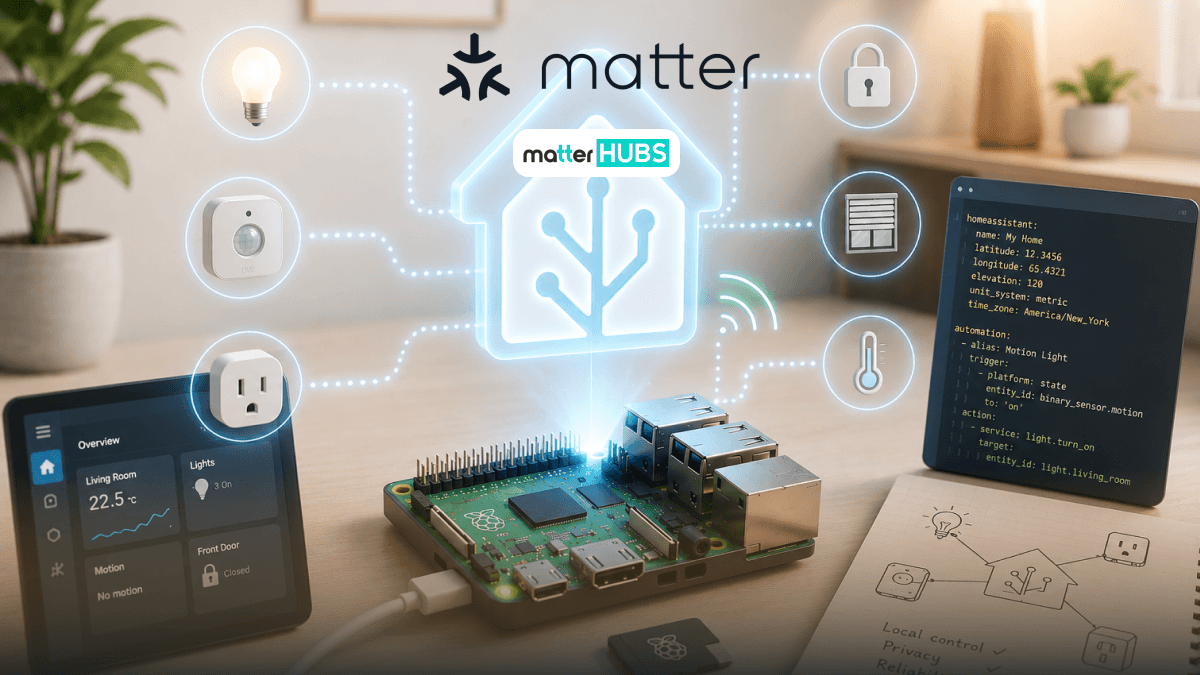
The home assistant raspberry pi setup has become one of the most popular ways to build a powerful local smart home. Thanks to Matter and Thread, your Raspberry Pi can now become the heart of your smart home connecting devices from Apple Home, Google Home, Alexa, and more.
If you're starting fresh or upgrading your existing Home Assistant installation, this guide will show you exactly what you need, what to avoid, and how to build a future-proof Matter ecosystem.
Why Is Everyone Running Home Assistant on Raspberry Pi?
If you've spent any time researching smart homes, you've probably come across Home Assistant Raspberry Pi builds. The reason is simple: it offers local control, privacy, and flexibility that cloud-based systems can't match.
Instead of relying on multiple apps and internet connections, Home Assistant lets you control your devices locally while supporting Matter, Thread, Zigbee, Z-Wave, and Wi-Fi.
Benefits
- Local automation
- Better privacy
- Supports Matter smart home devices
- Works with Apple Home, Google Home, and Alexa
- Thousands of integrations
- Free and open source
For beginners, a home assistant raspberry pi setup is one of the most affordable ways to build a professional-grade smart home.
What is the best device to Pair with Home Assistant Raspberry Pi?
Home Assistant Connect ZBT-2 [Recommended]
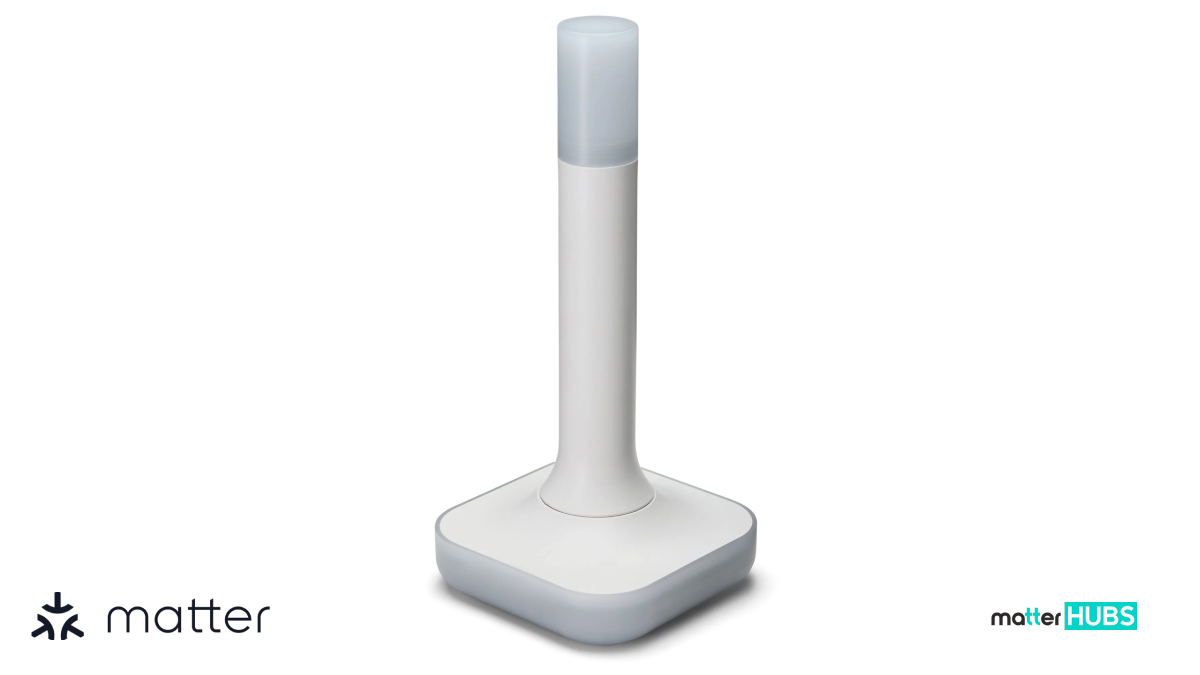
The Home Assistant Connect ZBT-2 is one of the best accessories for adding Thread connectivity to your Home Assistant Raspberry Pi setup. It enables Matter over Thread support while maintaining excellent local performance and reliability.
Key Features
- Matter and Thread support
- Easy Home Assistant integration
- Reliable local communication
- Designed for modern smart homes
Pros
- Excellent compatibility
- Future-proof
- Easy installation
Cons
- Additional hardware purchase
- Requires proper configuration
What Hardware Do You Actually Need?
You don't need expensive enterprise hardware. In fact, most people only need a few components.
Recommended Setup
- Raspberry Pi 5 (Best)
- Raspberry Pi 4 (Still good)
- Official power supply
- 32GB or larger microSD card (SSD preferred)
- Ethernet connection (recommended)
Matter & Thread Radio
For Matter over Thread, one of the best additions is the Home Assistant Connect ZBT-2. It provides Thread radio functionality and is designed to work seamlessly with Home Assistant, making it much easier to build a reliable Matter network. If you're starting a new home assistant raspberry pi project today, this is one of the best accessories to add.
Should You Buy a Raspberry Pi 4 or Raspberry Pi 5?
This is one of the biggest questions people ask.
Raspberry Pi 5
Pros
- Faster processor
- Better performance
- Improved USB bandwidth
- Excellent for Matter and Thread
Cons
- Slightly more expensive
Raspberry Pi 4
Pros
- Affordable
- Large community support
- Plenty of tutorials
Cons
- Some users have reported Thread Border Router timeout issues under certain workloads
Recommendation
If you're building a new home assistant raspberry pi server in 2026, choose the Raspberry Pi 5.
Which Installation Method Should You Choose?
There are several ways to install Home Assistant.
Home Assistant OS
Best for beginners, Matter, Thread, and automatic updates. This is the official recommendation from the Home Assistant project.
Docker
Best for advanced users and existing Linux servers. Not recommended for beginners trying to configure Matter and Thread.
Supervised Installation
Offers flexibility but requires more maintenance. For most users, Home Assistant OS remains the easiest and most reliable choice.
How Do You Turn Your Raspberry Pi into a Thread Border Router?
This is where many tutorials stop but it's actually the most important part. A Thread Border Router allows Matter over Thread devices to communicate with your network.
Steps
- Connect your Home Assistant Connect ZBT-2
- Install the OpenThread Border Router add-on
- Enable the Thread integration
- Verify the Border Router appears inside Home Assistant
- Sync Thread credentials using the Home Assistant Companion App
Once complete, your home assistant raspberry pi becomes the backbone of your Matter ecosystem.
How Do You Add Your First Matter Device?
Matter setup is surprisingly simple.
Steps
- Open the Home Assistant mobile app
- Tap Add Device
- Scan the Matter QR code
- Follow the commissioning process
- Wait for pairing
Important: Use the mobile app instead of the web interface for the best experience.
Matter over Wi-Fi or Matter over Thread?
Many beginners get confused here.
Matter over Wi-Fi
Pros
- Easy setup
- No Thread radio required
Cons
- More network congestion
- Higher power consumption
Matter over Thread
Pros
- Low power
- Faster local communication
- Self-healing mesh network
Cons
- Requires a Thread Border Router
For a home assistant raspberry pi setup, Matter over Thread is generally the better long-term choice.
Common Problems and How to Fix Them
1. Thread Credentials Won't Sync
Open the Home Assistant Companion App and sync Thread credentials again.
2. Device Won't Commission
- Move closer to the Border Router
- Ensure your phone is connected to the correct network
- Restart the commissioning process
3. USB Interference
USB 3.0 devices can sometimes interfere with radio communication. Use a short USB extension cable to move the radio away from the Raspberry Pi.
4. Raspberry Pi 4 Timeout Issues
Some users experience Thread Border Router timeout problems. If building a new system, upgrade to Raspberry Pi 5 for improved stability.
Final Thoughts
Building a home assistant raspberry pi server with Matter and Thread is one of the smartest investments you can make for your smart home. It gives you local control, broad compatibility, and the flexibility to connect devices across multiple ecosystems. Pair it with the Home Assistant Connect ZBT-2, and you'll have a future-proof foundation ready for the next generation of Matter smart home devices.
FAQs
Yes. Raspberry Pi can run Home Assistant with Matter, especially when using Home Assistant OS and a compatible Thread radio.
Yes. Raspberry Pi 5 offers better performance and is currently the recommended option for new Matter and Thread setups.
If you're using Matter over Thread devices, yes. A device like the Home Assistant Connect ZBT-2 enables this functionality.
For most users, Home Assistant OS is the easiest and officially recommended option.
Absolutely. It remains one of the most affordable, powerful, and future-proof ways to build a local smart home.