How to Set Up Google Home with Matter in 2026
6 months ago • 8 min read
If you’re setting up a Google smart home, enabling Matter is no longer optional. It’s essential. Google Home Matter is the easier, faster, and more reliable upgrade for your smart home. All you have to do is get a compatible Nest hub or Android device running the latest software. And then follow the steps below. Let's get started!
What Is Google Home Matter?
Google Home Matter refers to Google’s implementation of the Matter smart home standard inside the Google Home ecosystem. Matter allows compatible smart devices such as lights, plugs, thermostats, locks, and robot vacuums to communicate securely and locally across different platforms.
When using Google Home Matter:
- Devices connect to Wi-Fi or Thread.
- Commands can be executed locally.
- You can integrate with Google Assistant.
- Multi-admin pairing is supported.
This means your google smart home is no longer locked into a single brand ecosystem.
What You Need Before Setting Up Google Home Matter?
1. A Matter-Compatible Device
Look for official Matter certification on product packaging.
2. Matter Controller
In the Google ecosystem, this can be:
- Nest Hub (2nd Gen)
- Nest Hub Max
- Nest Wi-Fi Pro
- Compatible Android phone (Android 14 or newer)
These devices allow Google Home Matter to function properly.
3. Updated Google Home App
Make sure your Google Home app is updated to the latest version.
4. Updated Firmware
Ensure that both your Nest device and your Matter device have updated firmware.
If you’re unsure which device can act as a reliable Matter controller, our breakdown of the Best Matter Enabled Thread Hubs of 2026 will help you make an informed decision.
Step-by-Step: How to Set Up Google Home Matter
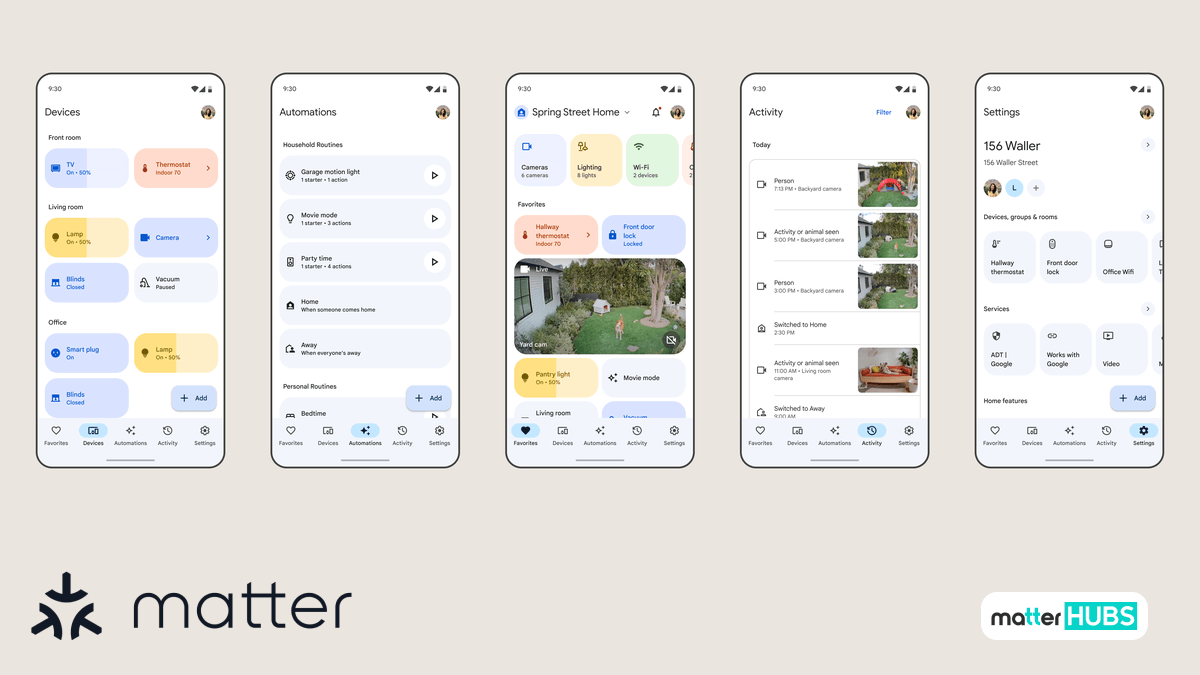
How Google Assistant Works with Matter Devices?
- Open the Google Home App
- Start by launching the Google Home app on your Android or iOS device.
- Make sure you’re signed in with the correct account connected to your Google smart home.
- Matter onboarding improvements are frequently delivered through updates.
- Tap “+ Add” → “Set up device”
- At the top of the Google Home app, tap the Add button.
- Select Set up device → New device.
- Your phone will begin searching for nearby Matter-enabled smart devices.
- Scan the Matter QR Code
- Every Matter device includes a QR code or a manual pairing code.
- Inside the Google Home app, choose the option to scan the QR code.
- Your phone camera will activate to scan the code.
- Check Logo on the Device
- Check for both the Matter logo and either the Wi-Fi or Thread logo on the device packaging.
- Ensure that the QR code or the numeric setup code is present on the device.
- Assign the Device to a Room
- Choose the room (Living Room, Bedroom, etc.).
- Name the device inside the Google Home app.
- Confirm Device Status
- Turn the device on or off to confirm it responds.
- Adjust available settings inside the Google Home app.
- Test voice commands with Google Assistant.
* Ensure your Google Home app is updated to the latest version.
* This is the standard commissioning process used for Google Home Matter.
* Without the QR code or numeric setup code, commissioning is not possible after resetting the device.
* Take a photo of the QR code or numeric setup code as a backup if it only appears on the packaging.
* Room assignment helps Google Assistant understand contextual voice commands.
* If the device responds correctly, your Google Home Matter setup is complete.
Once connected, your Google Assistant can control Matter-compatible smart devices naturally.
Examples:
- “Hey Google, start the robot vacuum.”
- “Hey Google, turn off all lights.”
- “Hey Google, set temperature to 22 degrees.”
Because Matter supports local execution, many commands respond faster compared to older cloud-only integrations.
Using Nest Devices as Matter Controllers
Your nest home devices play an important role in Google Home Matter.
Supported Nest devices can:
- Act as Matter controllers
- Function as Thread border routers
- Maintain local network communication
This means your Google smart home can continue functioning even if internet connectivity drops temporarily. The Nest Hub (2nd Gen) and Nest Wi-Fi Pro are particularly important for Thread-based Matter devices.
The Nest Hub (2nd Gen) and Nest Wi-Fi Pro are particularly important for Thread-based Matter devices, as explained in How to Set Up a Smart Home Hub with Google TV Streamer!
How Google Home Matter Improves Your Smart Home?
1. Unified Control
One of the biggest improvements Google Home Matter brings to your Google smart home is centralized control. All compatible smart devices appear inside the Google Home app. This makes your smart home system more organized. Regardless of the device type, Google Home Matter ensures everything lives within the same interface.
2. Faster Response Times
Another major benefit of Google Home Matter is improved responsiveness. Because Matter enables local-first communication, many commands execute instantly. This reduced latency significantly enhances the overall experience of your Google smart home.
3. Cross-Platform Compatibility
You can integrate the same Matter device with Google Home, Apple Home, or SmartThings. Before Matter, choosing a smart home ecosystem often meant committing to it long term. Thanks to multi-admin capability, ecosystem lock-in is greatly reduced.
4. Improved Automation
Google Home Matter allows deeper automation within your smart home. You can create routines such as:
- Start the robot vacuum when everyone leaves.
- Turn on lights when motion is detected.
- Lock doors at bedtime.
Troubleshooting Google Home Matter Setup
- QR Code Won’t Scan
- If the QR code fails during setup.
- Make sure Google Home has camera permissions enabled.
- Try entering the manual pairing code instead of scanning.
- Perform a full factory reset to return the device to commissioning mode before retrying.
- Device Pairs But Shows “Offline”
- If the device appears in Google Home but stays offline, the issue is usually network related.
- Check for the following possible causes:
- IPv6 disabled on your router (Matter relies on IPv6).
- Multicast or mDNS blocked in advanced router settings.
- AP isolation enabled.
- The device connected to a guest network instead of your main Wi-Fi.
- Thread Device Is Unstable
- If a Thread device pairs but disconnects randomly.
- Confirm that your Nest Hub or Nest WiFi Pro is acting as an active Thread border router.
- Avoid running multiple separate Thread networks across different ecosystems.
- Reboot the Nest device to refresh the Thread routing table.
- Matter Fabric Conflict
- If the device was added to another ecosystem first (Apple Home, SmartThings, etc.), you may encounter fabric conflicts.
- Fix it by:
- Remove the device from all ecosystems.
- Perform a full factory reset.
- Re-add it to Google Home first.
* Partial pairing attempts often prevent the device from re-entering setup mode properly.
* Thread instability is often caused by topology conflicts rather than device defects.
* Improper removal between ecosystems can cause syncing issues.
How Google Home Matter Compares to Other Platforms?
Google’s Matter implementation focuses on:
- Deep Google Assistant integration.
- Android-native onboarding.
- Voice-first control.
- Hybrid local-cloud reliability.
While Apple emphasizes privacy and Home Assistant emphasizes advanced automation, Google excels at simplicity and AI-driven control.
Future of Google Home Matter
Google continues refining its home system to align with the evolving Matter standard. This means we can expect,
- More native Matter devices.
- Improved camera integration.
- Energy management support.
- Faster multi-admin syncing.
To get a better understanding about how Matter has expanded their compatible devices list, take a look at how Matter 1.5: What’s New and Why it Matters for Smart Homers.
Hardware You May Need
While Google Home Matter works with compatible Nest devices and Android phones, some smart homes benefit from dedicated hubs or controllers that expand device compatibility. These devices can help integrate additional smart accessories and maintain stable communication within your Matter smart home network.
Aqara Hub M3
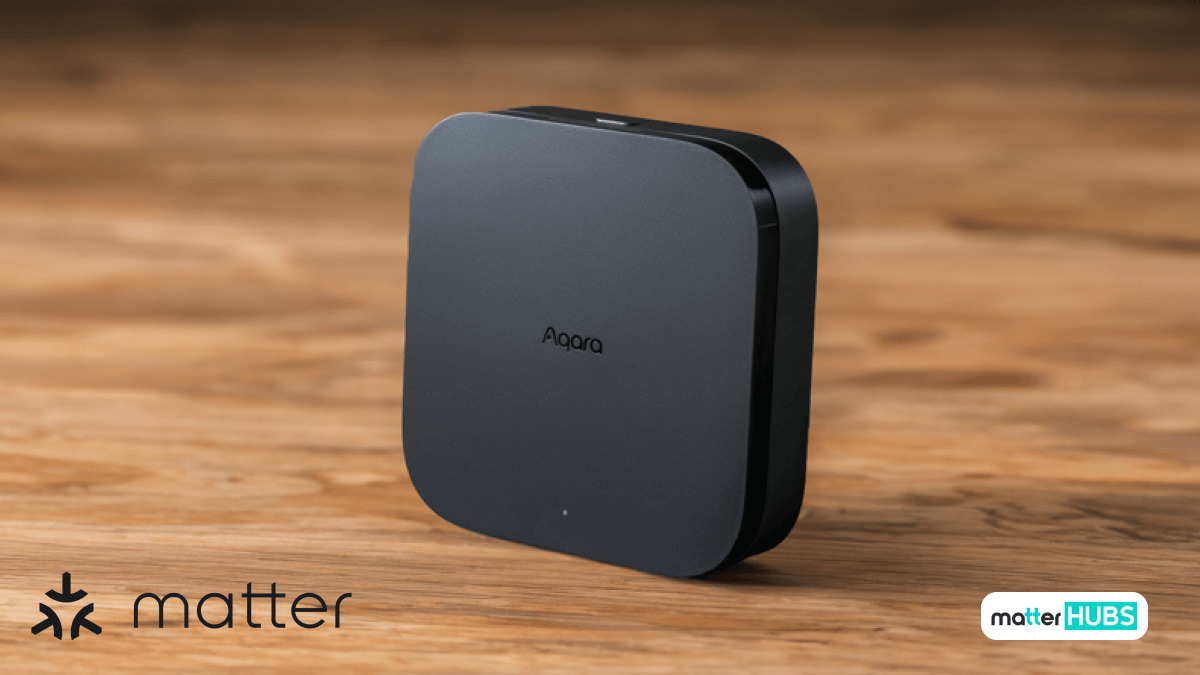
The Aqara Hub M3 is a next generation Matter smart home hub designed to connect Zigbee and Matter devices into a unified ecosystem. When integrated with Google Home Matter, the hub allows compatible sensors, switches, and automation devices to appear directly inside the Google Home app for centralized control.
Key Features
• Matter-enabled smart home hub
• Supports Zigbee device integration
• Designed for cross-platform smart home ecosystems
Pros
- Expands device compatibility within a Google Home Matter setup.
- Allows Zigbee accessories to integrate with a Matter smart home ecosystem.
- Supports centralized automation across multiple device types.
Cons
- Requires compatible accessories for full smart home functionality.
Hubitat Elevation C-8 Pro
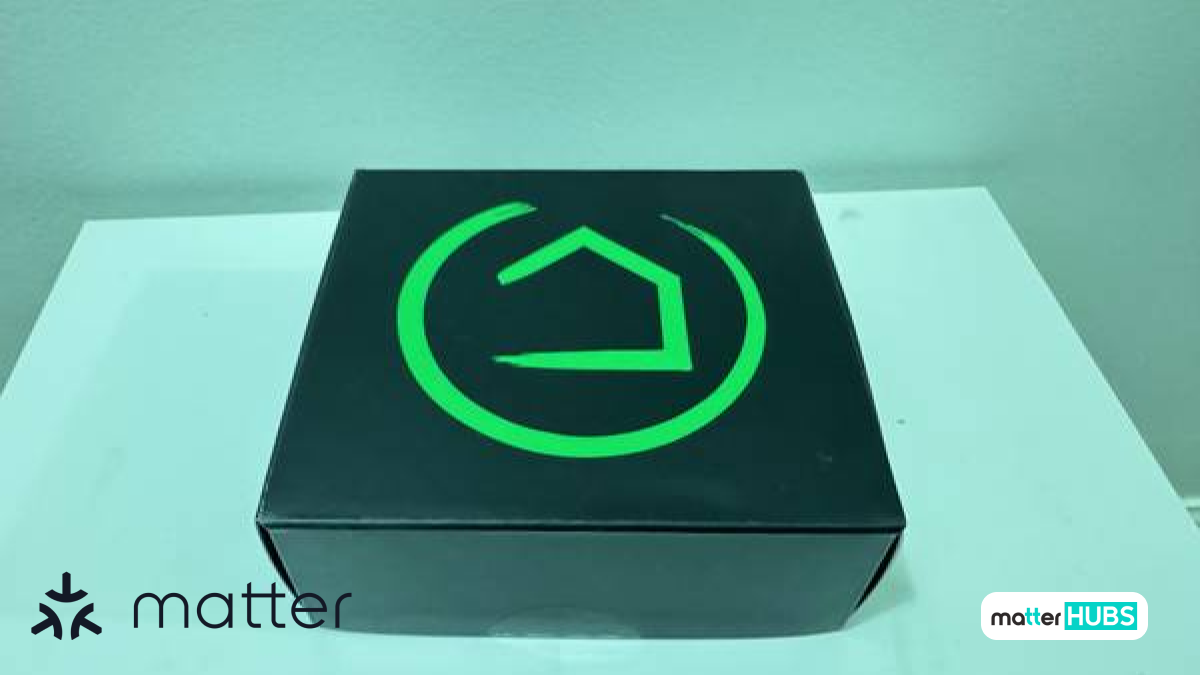
The Hubitat Elevation C-8 Pro is a powerful Matter-compatible smart home hub built for advanced automation and local device control. It supports multiple wireless protocols and can integrate a wide range of smart home devices alongside Google Home Matter.
Key Features
• Supports Matter, Zigbee, and Z-Wave devices
• Local automation processing
• Works with major smart home ecosystems including Google Home
Pros
- Enables advanced automation alongside Google Home Matter.
- Integrates multiple smart home protocols into one system.
- Supports scalable smart home environments.
Cons
- Initial setup can be more complex than basic smart hubs.
Home Assistant SkyConnect
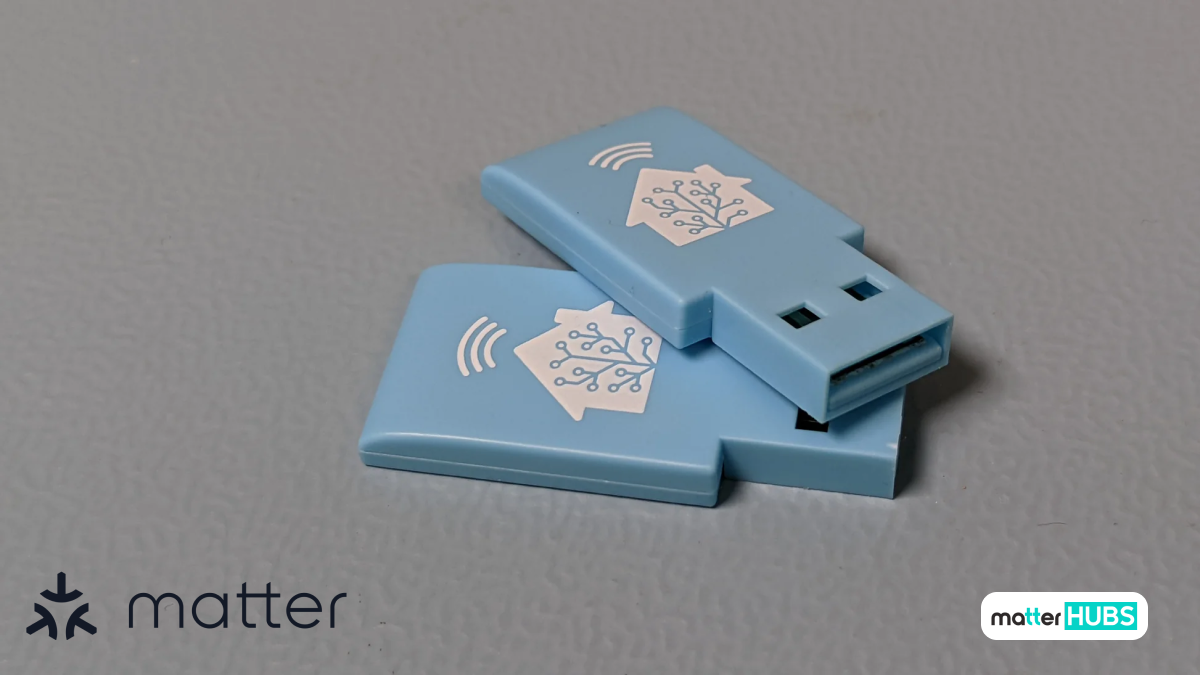
The Home Assistant SkyConnect is a multi-protocol USB radio designed to add Zigbee and Thread connectivity to a smart home system. For users building a Google Home Matter setup, SkyConnect can help create a Matter-over-Thread network when paired with Home Assistant, allowing compatible smart devices to integrate into a modern Matter smart home ecosystem.
Key Features
• Supports Zigbee and Thread wireless protocols
• Enables Matter over Thread networks
• USB adapter designed for Home Assistant systems
Pros
- Helps expand a Google Home Matter smart home with additional device support
- Enables Thread connectivity for Matter devices
- Allows advanced smart home automation alongside Google Home
Cons
- Requires a Home Assistant system to operate
- Initial setup may be more technical than basic smart hubs
Final Thoughts?
Setting up Google Home Matter in 2026 is straightforward and highly beneficial for anyone building a modern Google smart home. With stronger local execution, better Nest integration, and seamless Google assistant control, Google has positioned itself as a leader in accessible smart home automation. If you want a reliable, voice-powered home system that supports cross-platform compatibility, Google Home Matter is a powerful foundation.
FAQs
Google Home Matter is Google’s integration of the Matter smart home standard within the Google Home ecosystem, allowing compatible devices to work seamlessly across supported platforms.
For Thread-based Matter devices, yes. A compatible Nest device acts as a Thread border router and enables proper communication within your smart home network.
Yes. Google Assistant works seamlessly with Matter-compatible smart devices for voice control and automation.
Yes. Matter uses encrypted communication, secure device authentication, and a local-first architecture to enhance privacy and security.